Select any element—by clicking it in the preview or choosing it from the Page elements tree—and its editing controls open in the panel. From here you can change both what the element says and how it looks, all without writing any CSS.
Editing content
Depending on the element, you can edit its content in a number of ways:
- Text that you type directly, or that’s bound to a theme setting or dynamic content for easy translation.
- Images, which you can upload or link by URL.
- Icons and links, pointing to help center pages, settings or custom URLs.
- Blocks and items, such as the entries in contact blocks, custom blocks and lists.
Editing styles
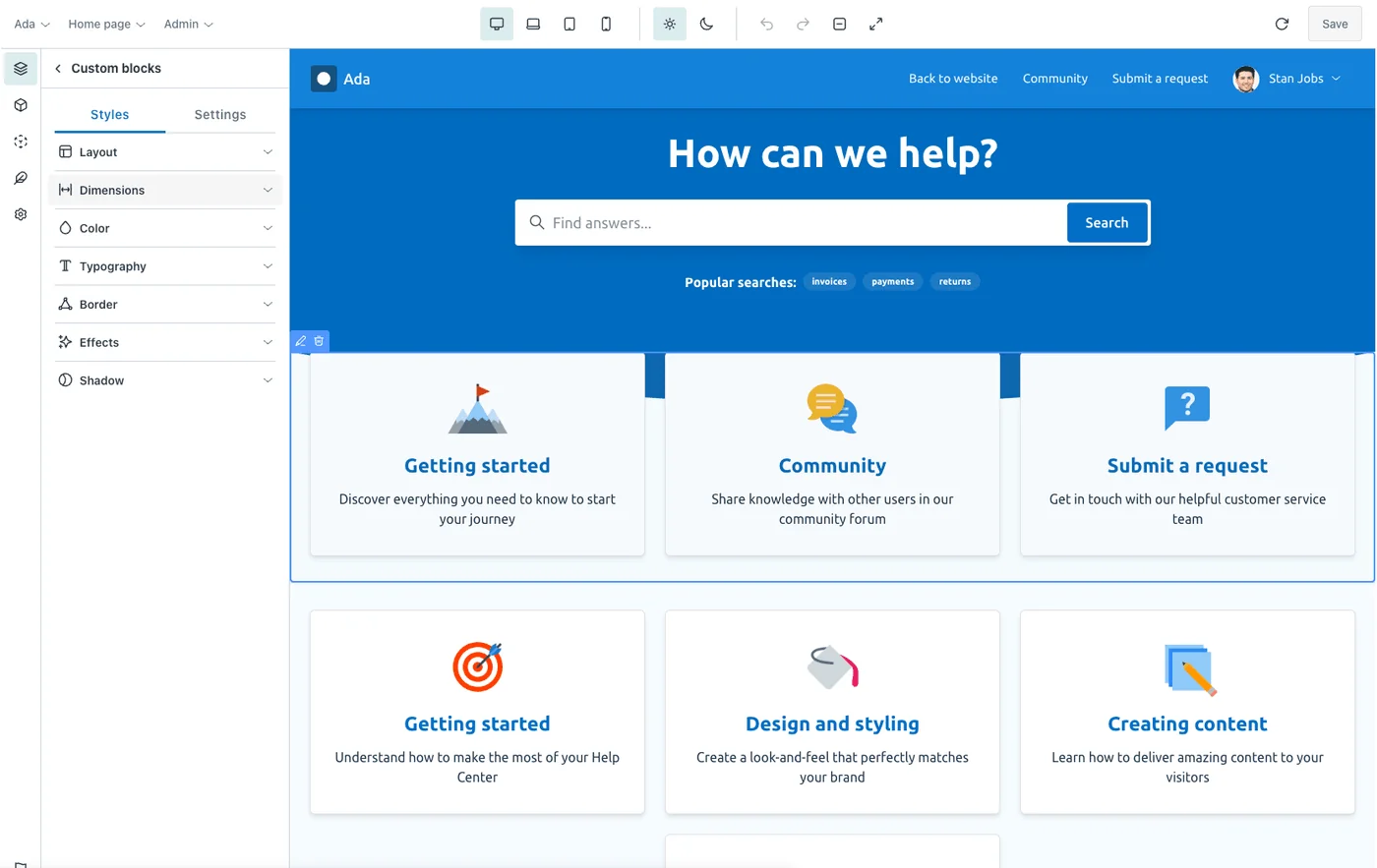
The style controls are organized into clear groups so you can find what you need quickly:
| Group | What you control |
|---|---|
| Layout | Flex direction, alignment and distribution, display, position and visibility. |
| Dimensions | Padding, margin, width, height and max-width, in the unit of your choice. |
| Color | Text and accent colors from your theme palettes, including hover, focus, active and selected states. |
| Typography | Font, size, weight, line height, letter spacing, case and decoration. |
| Background | Solid colors, gradients and background images with position, size and repeat. |
| Border | Border width, radius and color. |
| Shadow | Box shadows. |
| Effects | Entrance animations and hover transitions. |
Inherit, or override
Every style starts by inheriting from your global styles and global elements. When you set a value on an individual element, you override the inherited one—just for that element. This keeps your theme consistent by default while letting you make exceptions wherever you need them.
Behind the scenes, the values you choose are written to the right place in your theme automatically: theme settings, element styles, page data or HTML attributes. You get the convenience of a visual editor and a clean, standard theme as the result.
You can also tailor styles per device—see responsive design—and, on the Multi brand plan, design a separate dark mode.